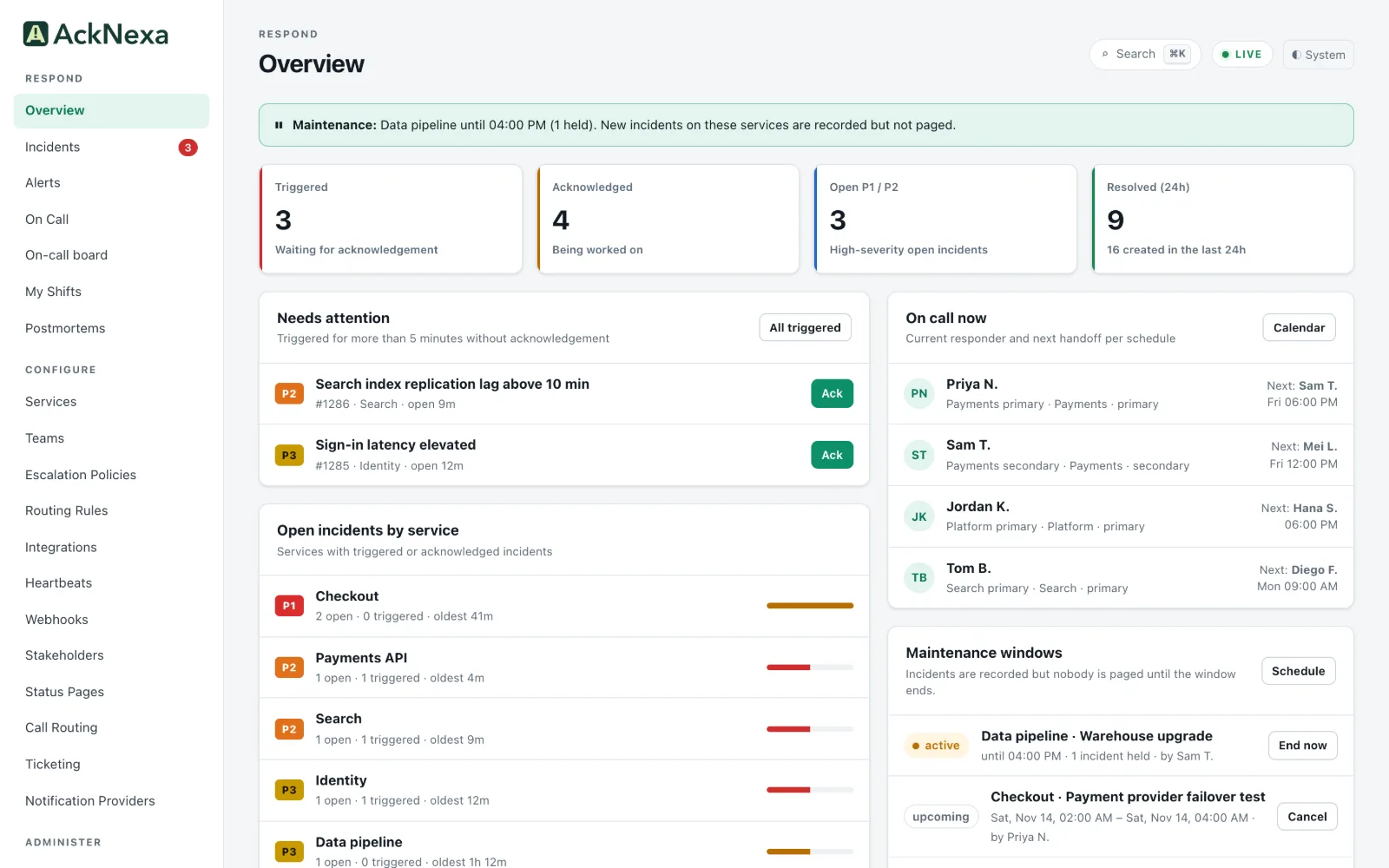
Monitoring tells you something is wrong. AckNexa connects that signal to the people, policies and context needed to act, and keeps the history together.
1Detect
Every alert finds its owner.
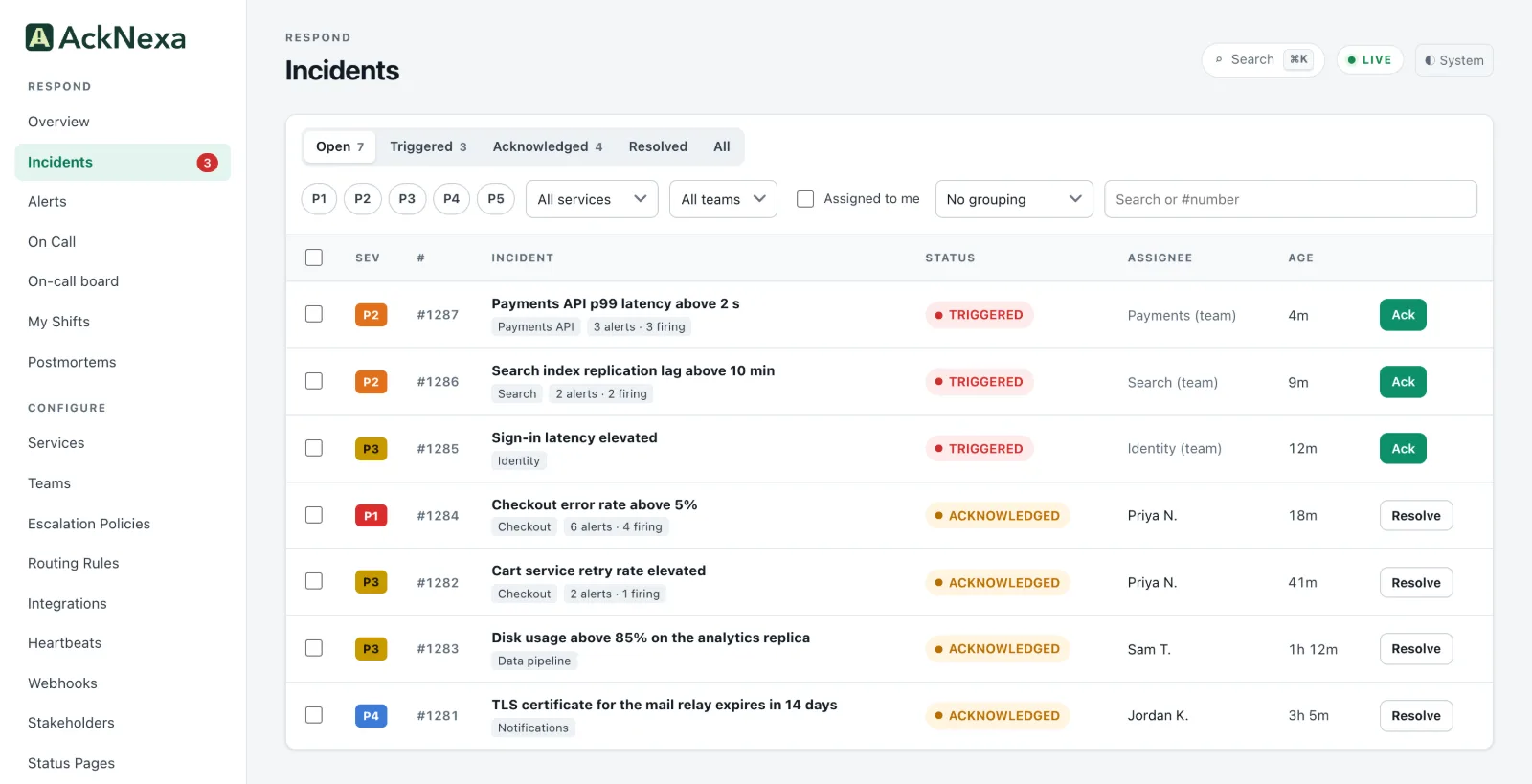
Authenticated integrations receive your monitoring events. AckNexa normalizes them, recognizes repeated observations of the same condition, maps severity to P1 through P5 and routes each condition to a service and its owning team.
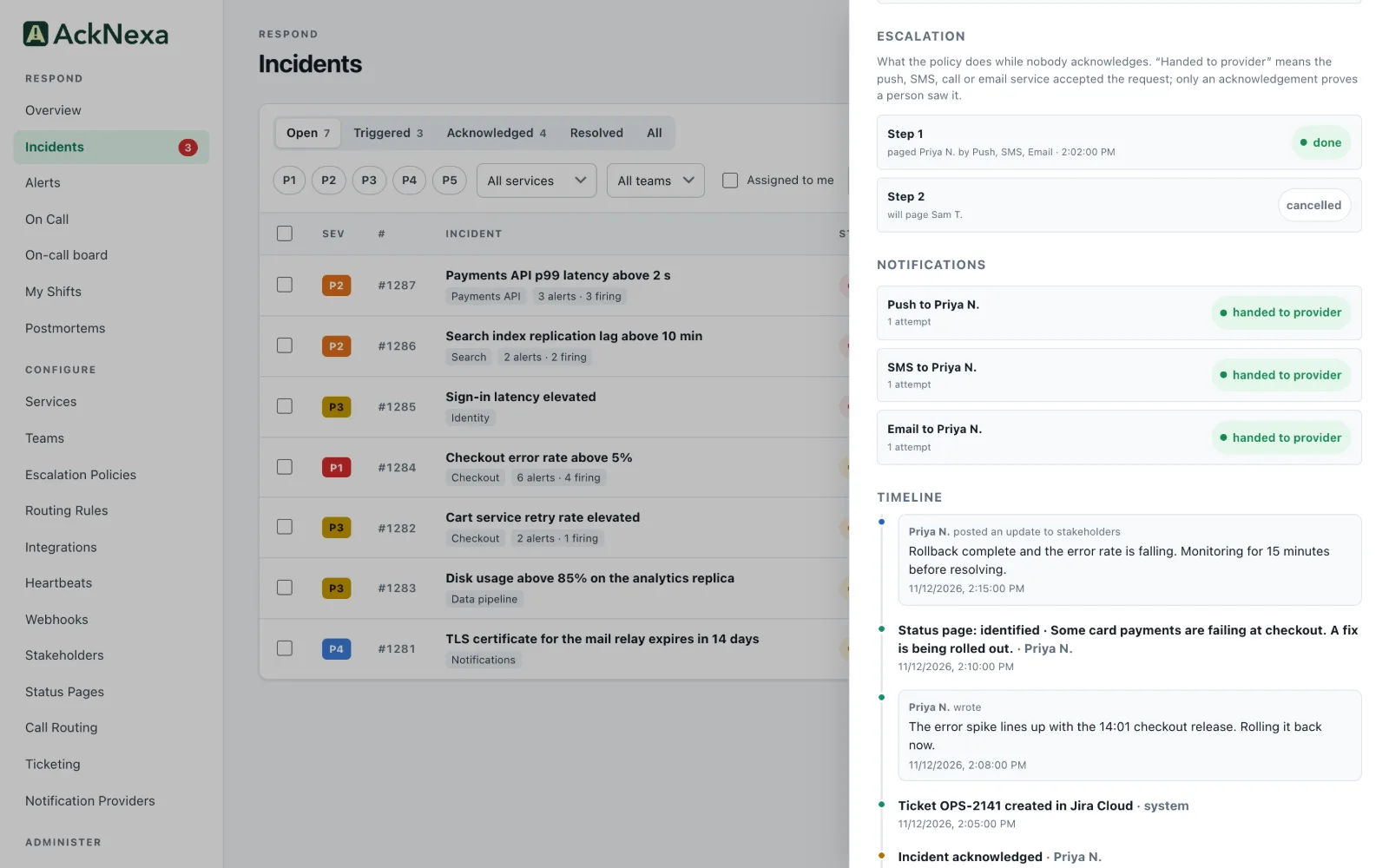
The service’s escalation policy finds who is on call and pages them, step by step, on the channels you chose. Every attempt is recorded, and an acknowledgement cancels the pages still waiting.
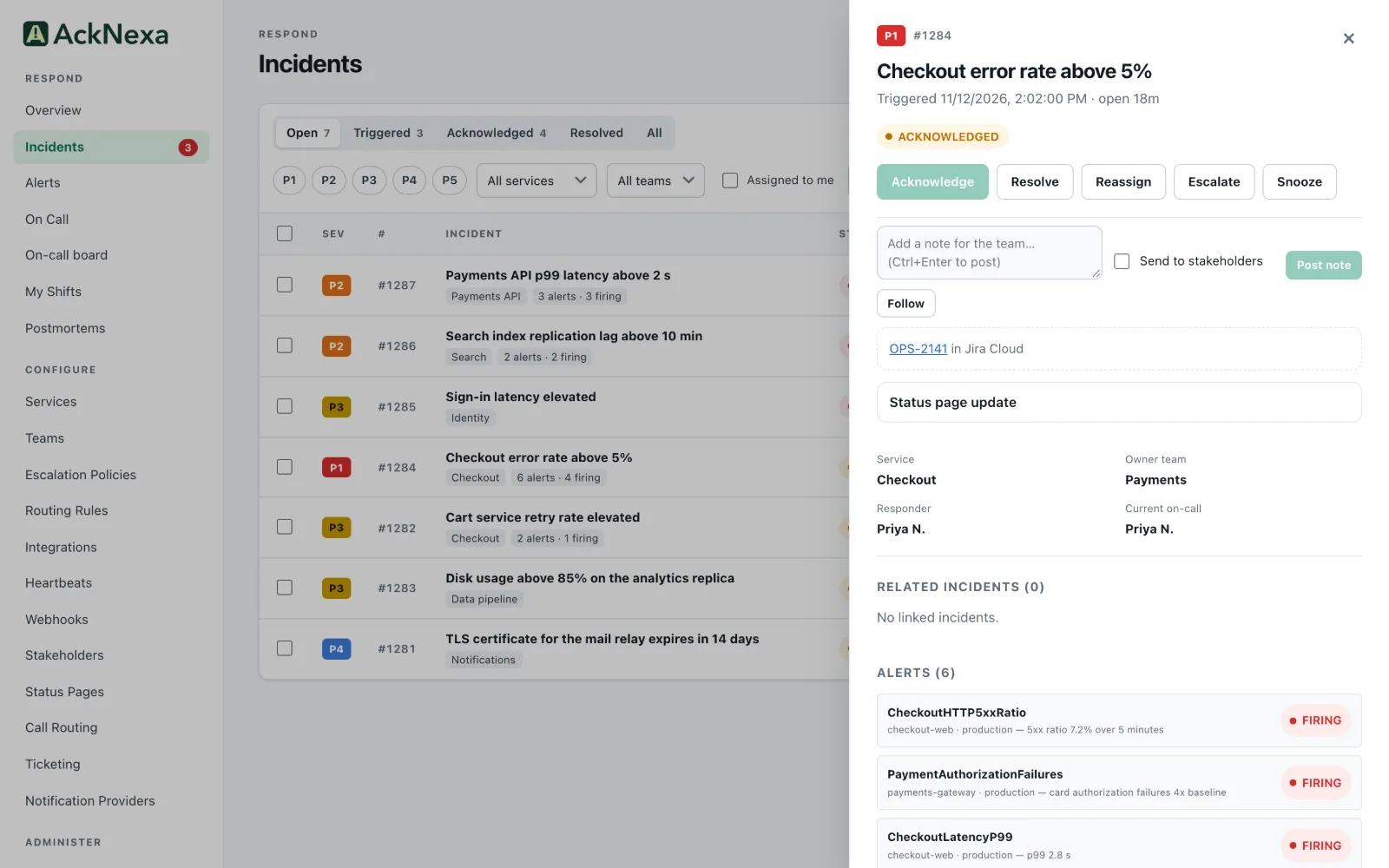
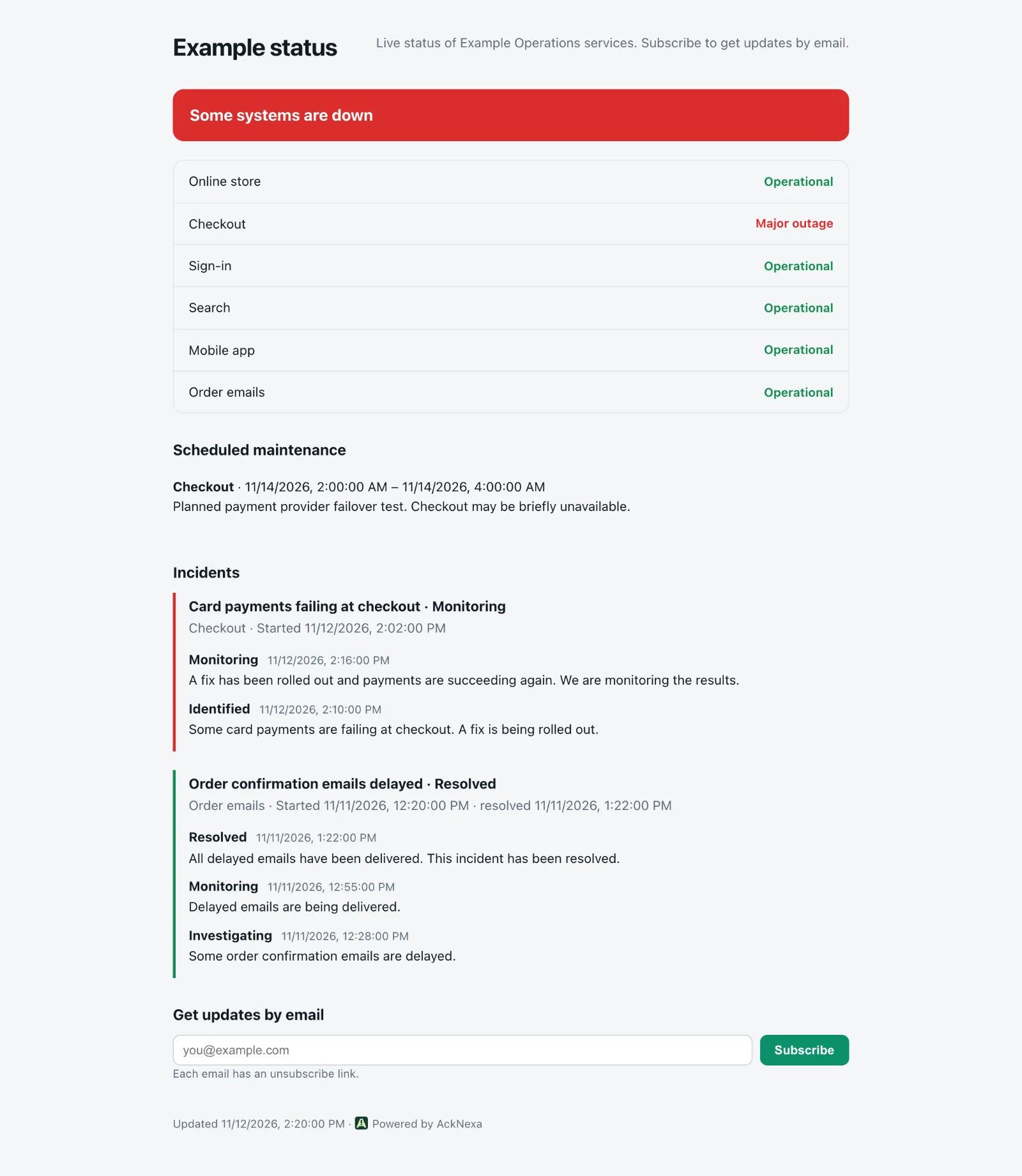
Acknowledge, add notes, reassign or escalate. Send an update to stakeholders, publish to a status page and open a Jira or Halo ticket from the same incident.
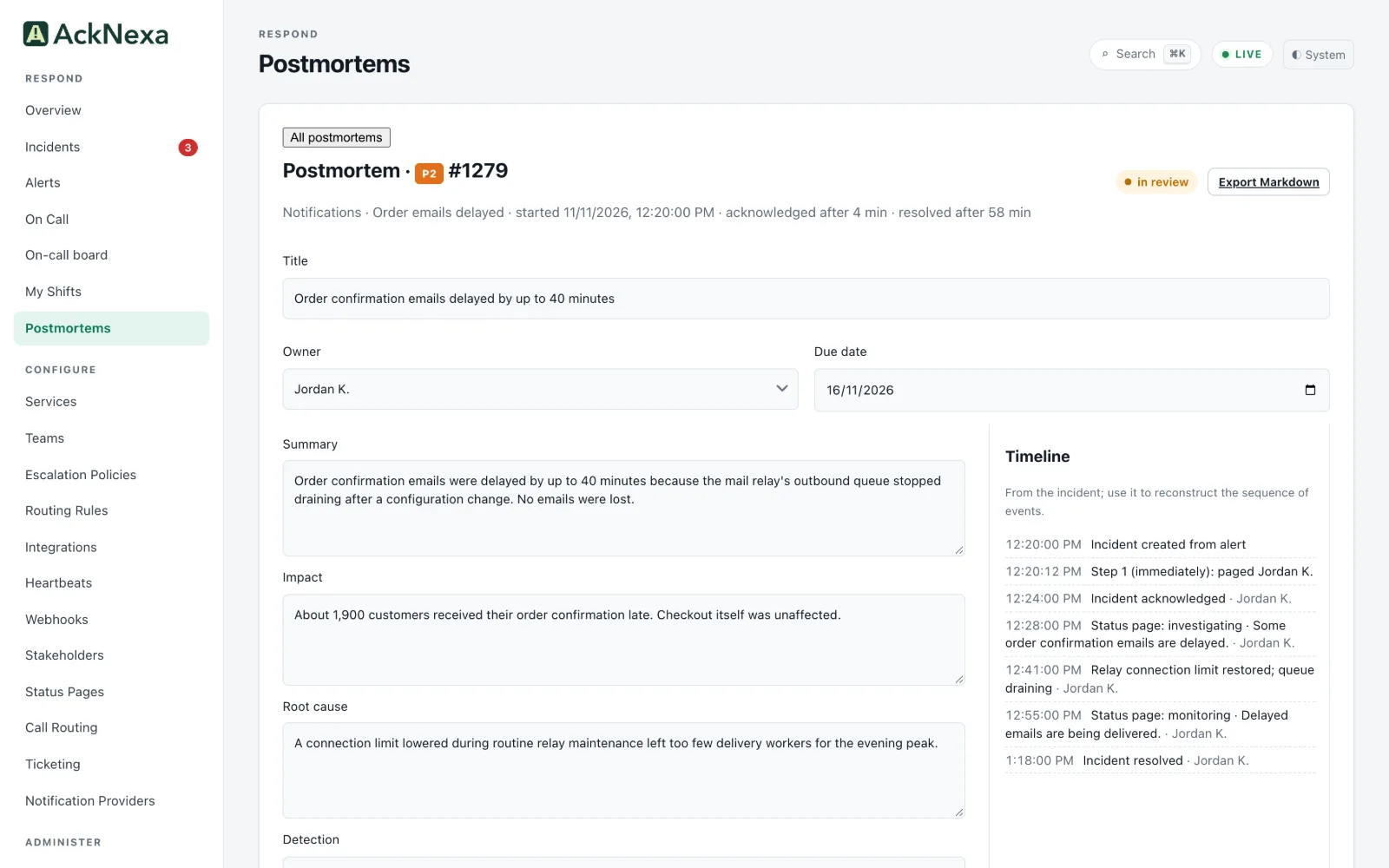
By default, resolved P1 and P2 incidents get a blameless postmortem draft, prefilled from the timeline, with action items, owners and due dates. Owners are reminded when a review is overdue.
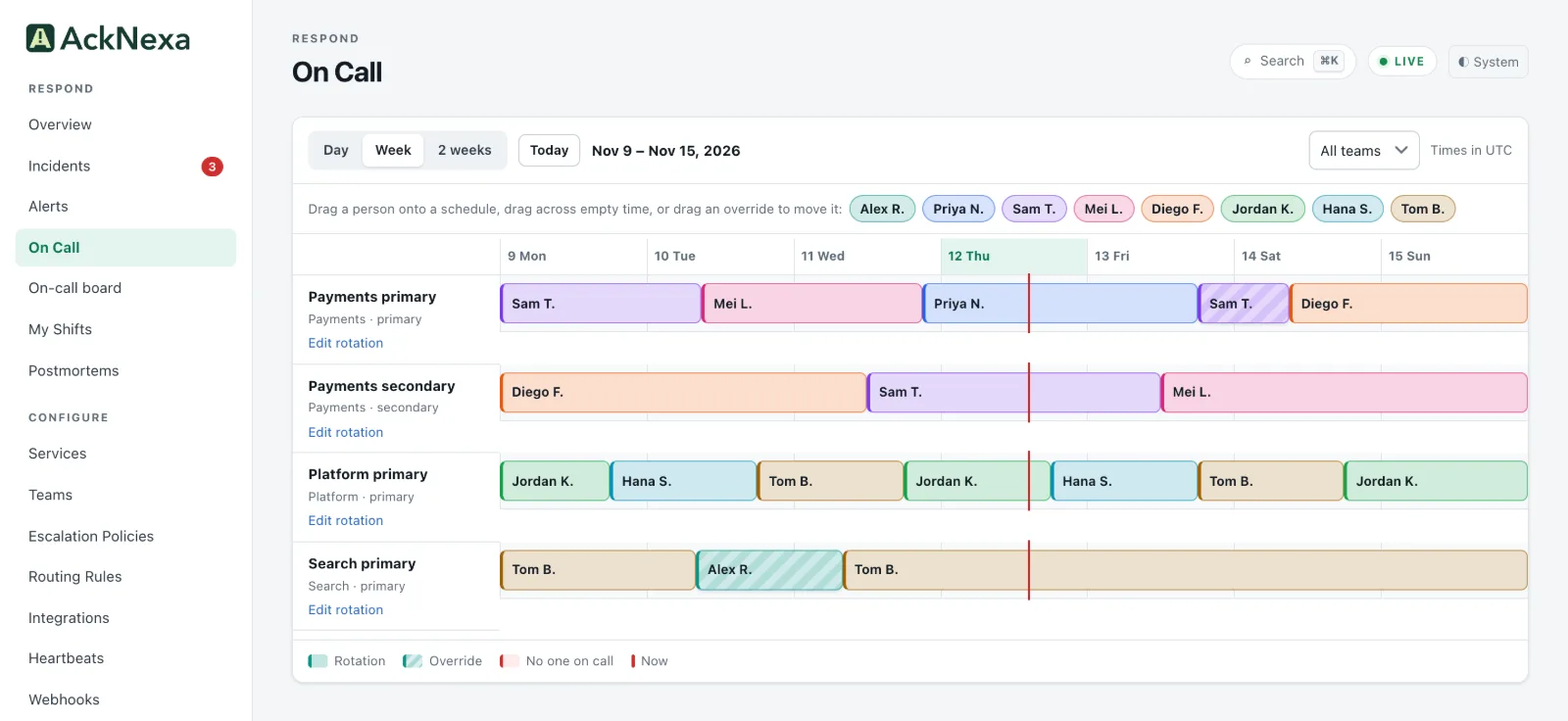
Rotation layers with priorities, primary and secondary tiers and temporary overrides. Escalation policies choose who is paged, how and when, and maintenance windows hold pages during planned work.
Every call opens an incident and rings the on-call responders in order. Use a Twilio number, your own PBX, or Cisco CUCM through the bundled SIP gateway.
Single sign-on with OpenID Connect, LDAP and Active Directory sign-in, SCIM 2.0 provisioning, and break-glass accounts your identity provider cannot change.
Export the audit log as JSON Lines or CSV, or stream it as signed JSON batches over HTTPS or as syslog over TLS. Passwords, tokens and keys never appear in an export or a stream.
14:04:12incident acknowledgedPriya N.
14:05:03ticket created in Jira Cloudsystem
14:10:41status page update publishedPriya N.
14:15:20stakeholder update sentPriya N.
Architecture
Every event is committed before it is accepted.
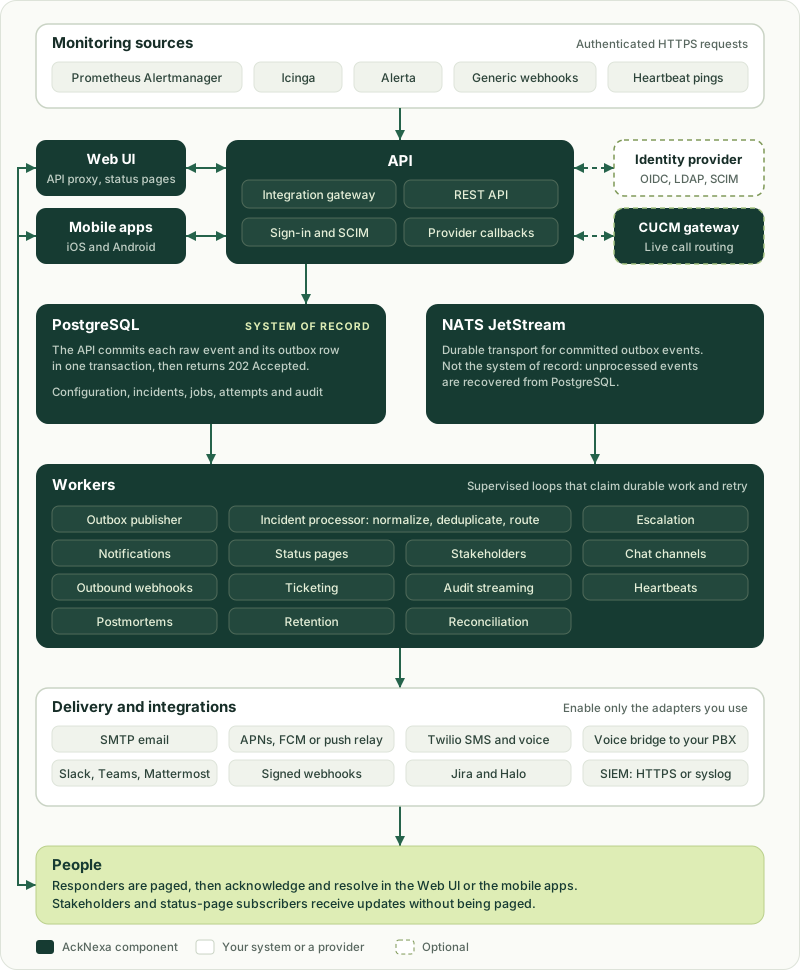
The API writes each raw event and its outbox row to PostgreSQL in one transaction, then answers. Workers carry committed work over NATS JetStream to route, escalate and notify.
PostgreSQL is the system of record. Configuration, raw events, incidents, jobs, notification history and audit.
Restarts keep pending work. Escalation jobs live in PostgreSQL and are claimed by workers.
Optional pieces stay optional. Identity providers, push, SaaS channels and the CUCM gateway connect only when you add them.
Dark boxes are AckNexa components, light boxes are your systems or providers, and dashed boxes are optional.
Customer-controlled by design
On premises.Not on someone else’s control plane.
Run the core on your PostgreSQL, NATS, compute and network, with your DNS, your certificate authority and your identity provider.
No vendor control plane
Ingest incidents, coordinate the response and use the Web UI without a vendor-hosted AckNexa control plane, a public cloud account or an external notification API.
Ready for private networks
Once images and configuration are in place, the core can run in an isolated network with internal SMTP, a customer voice gateway and private identity, DNS and PKI.
Docker Compose or Helm
A single-host Compose profile for small installations, or a Helm chart for a production topology on your own Kubernetes.
Your network
Web UI
API and gateway
Workers
PostgreSQL
NATS JetStream
Local observability
Private DNS and TLS
Internal OIDC
Customer backups
Internal SMTP and customer voice gateways can stay private. APNs, FCM and SaaS providers are optional adapters with their own connectivity requirements. See the channel connectivity matrix.
Responders sign in, review, acknowledge and resolve in the browser, on your deployment’s own HTTPS address. Browser response needs no APNs, FCM or public cloud service.
Native iOS and Android apps
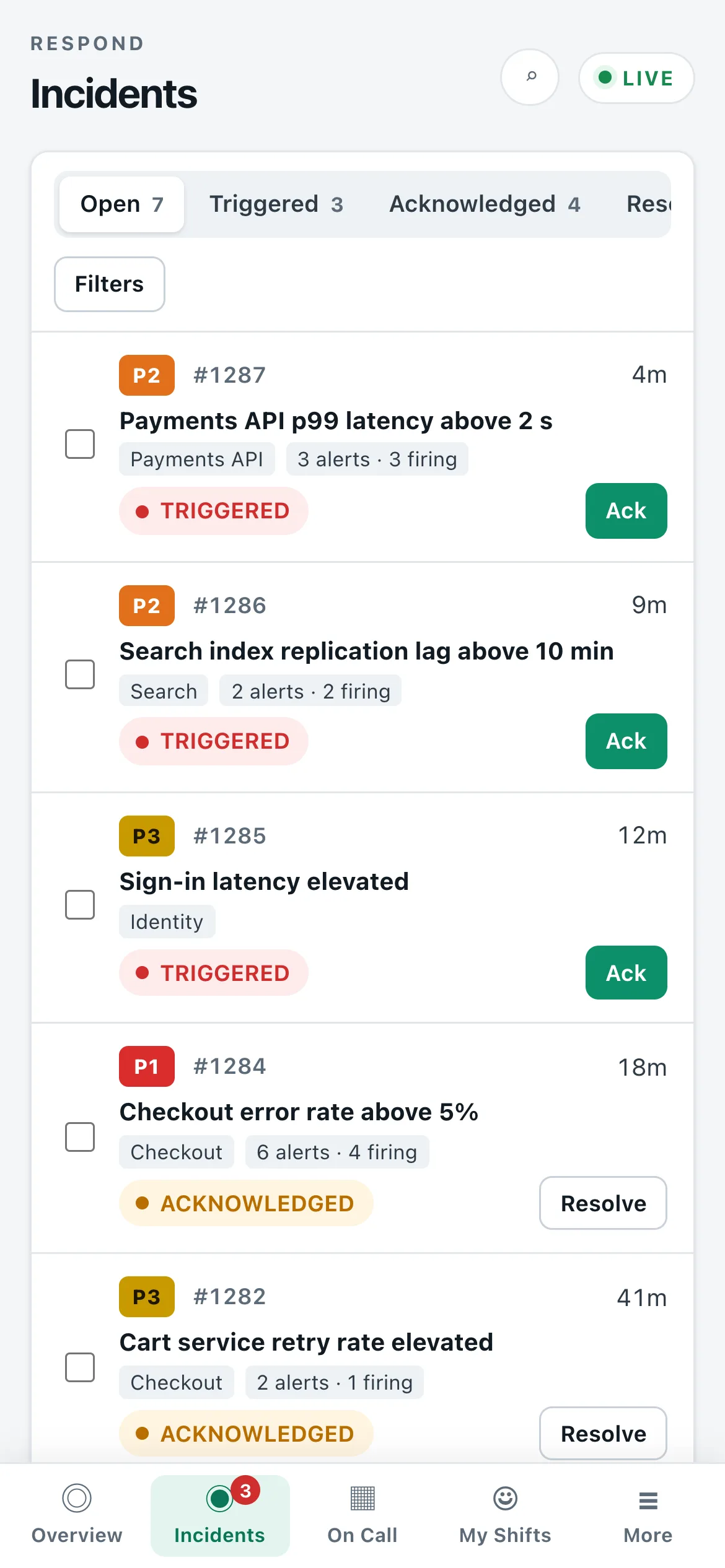
List incidents with live updates, acknowledge and resolve, see your on-call shifts and cover requests, and open the incident when you tap a page. On Android, P1 pages use a separate alarm channel.
For release 1.0.0-rc.1 the operator builds both apps from source. Neither app is in the App Store or Google Play yet.
Fewer tools to buy and connect, pages through channels you already run, and less noise for whoever is on call.
One product for the whole response
Paging, on-call schedules, escalation, status pages, postmortems, live call routing, Jira and Halo tickets, reports and audit streaming work together in one product.
Pages through channels you already run
Email through your internal SMTP server, calls through your own PBX or Cisco CUCM, and push through your own Apple and Firebase accounts. Twilio, Slack and Microsoft Teams are there when you want them.
Less noise for whoever is on call
Deduplication and grouping turn repeats into one incident, routing rules send each alert to the team that owns it, and maintenance windows hold pages during planned work.
It is intended for pilot deployments and is not yet generally available. Its CI suite passes. A real-world pilot, an external penetration test, SCIM against a live identity-provider tenant, app-store distribution of the mobile apps and a real CUCM cluster test remain before general availability.